

Visit virtual reality kinetosis, also known as cyberkinetosis or motion sickness, is a common disorder in immersive environments. In training, it can quickly become a hindrance: dizziness, nausea or cognitive fatigue impact concentration, even forcing some trainees to remove the VR headset before the end of the session.
But what causes this reaction? Why are some users more sensitive than others? And how can we limit these effects without sacrificing immersion?
In this article, you will understand what kinetosis is in virtual reality, what are its symptomsthe technical errors to avoid, and good practices to adopt to provide a comfortable, educational experience for your learners.
What is kinetosis, and why does it affect VR?
Visit kinetosis, also known as motion sickness, is a well-known disorder that occurs when our brain receives contradictory signals. The eyes perceive movement, but the body remains motionless, or vice versa.
This sensory imbalance causes a series of unpleasant symptoms such as :
-
- Visual disorders
- Nausea
- Dizziness or floating sensation
- Headaches
- Paleness, sweating and cold sweat
- Vomiting
- Intense fatigue or drowsiness
- Apathy, loss of concentration
- Disorientation, loss of balance or immediate discomfort
When it is triggered by a digital environment, it is referred to as a cyberkinetosis or motion sickness. This phenomenon particularly affects users from virtual reality (VR) headsets, especially for beginners and sensitive users.
Why does VR training amplify the effects of kinetosis?
Even with the best of intentions, a virtual reality training can quickly become uncomfortable, This is particularly true in teaching environments where attention, memorization and buy-in are essential. This is particularly true in educational environments where attention, memorization and buy-in are essential.
Here are the most common technical errors that aggravate kinetosis in immersive training:
-
- Latency too high : a slight delay between actual body movements and their display on the screen is enough to create sensory misalignment. As a result, the brain stalls, causing dizziness and discomfort.
- Insufficient cooling : below 90 Hz, the image becomes unstable and jerky. This increases visual fatigue and cognitive load.
- Incorrect setting of IPD (interpupillary distance) : poor adaptation to the user's morphology (distance between the eyes) can lead to blurred vision, eye pain and nausea from the very first minutes.
- Imprecise hand or body tracking : when a gesture is badly transcribed onto the screen, the “presence” effect is broken. This discrepancy between motor and visual perception immediately destabilizes the user.
- Resolution too low : blurred or pixelated images force concentration and cause rapid eye fatigue, especially when analyzing details or reading text.
- Unnatural movements : Joystick-simulated movements, automatic camera rotations, zoom effects and “teleported” transitions disrupt the user's inner equilibrium. The body doesn't move, but the scene moves forward: the perfect scenario to trigger cyberkinetosis.
In a pedagogical approach, these technical malfunctions are not insignificant:
-
- She diverts attention learners, who find it hard to concentrate on the essentials (correct gestures, protocols, memorization).
- Others interrupt their participation at the first sign of discomfort, rendering the experience incomplete.
- Some refuse to don helmets in the second session or ask to leave before the end.
- The domino effect is swift undermines credibility of the immersive solution, both for trainees and for training and HSE managers.
- As for the trainer, loses the thread of its session and the’group membership, sometimes from the very first minutes.
In short, the pedagogical intent is weakened, and confidence in the tool called into question.
Visit positive news, is that these effects can be limited through rigorous design... or, better still, avoided altogether thanks to alternative solutions, such as FIRE AR.
Discover why FIRE AR is a nausea-free immersive solution !
What are the best practices for limiting kinetosis in virtual reality?
Even if cybercinetosis remains a risk, it is a risk can be largely mitigated with careful design and appropriate technical choices. Numerous recommendations exist for reduce discomfort and enhance the experience users, particularly in training contexts.
In fact, that's what we achieved with our FIRE VR virtual reality fire simulatorWe are committed to these design principles, cases of kinetosis were rare, This is proof that a rigorous approach can greatly reduce this risk without altering the immersion.
Essential rules to avoid naussée
In order to reduce the effects of cyberkinetosis, several recommendations from professional guides (such as ANSES) are to be taken into account:
-
- Optimizing latency and framerate, low latency (less than 20 ms) and refresh rates above 90 Hz significantly reduce sensory lag.
- Limiting the duration of immersions, For beginners in particular, 10 to 15 minutes is enough to start with, before gradually lengthening the sessions.
- Propose progressive exposure, We start with calm, static experiences before adding movement or dynamic interaction.
- Ftake regular breaks, every 20 to 30 minutes, to refocus the brain and release sensory tension.
- Creating a calm environment, This reduces external sensory load and improves overall comfort.
- Inform and reassure participants Beforehand, explain to them that they can remove the helmet at any time, and that the feeling of discomfort quickly disappears.
- Adapting the experience at sensitive profiles (motion sickness, pregnant women, frequent migraines, etc.) using lightweight modules or augmented reality.
- Perfect helmet fit a helmet that's too loose, too tight, or poorly centered (incorrectly adjusted IPD) can be enough to trigger visual problems or discomfort.
- Encourage real physical travel rather than virtual, if possible, allow trainees to turn or move with their bodies or with teleportation rather than via a joystick. This considerably reduces sensory lag.
For designers: development principles to reduce kinetosis in VR
As designers of immersive simulators, we know that the’cognitive ergonomics and physiological is as important as the graphic fidelity or software robustness.
A VR experience is not just about good looks. It must protect the user from undesirable effects induced by the sensory dissonance.
If you really want to limit the risk of kinetosis, here are the fundamental rules to integrate right from the design phase of a VR simulator:
1. Reduce unnatural displacement to zero
-
- Avoid any form of simulated camera movement (free translation, sliding, automatic rotation).
- Remove “flying” or “virtual walking” effects that have no physical equivalent.
- If movement is necessary, use only discreet teleportation systems, with no abrupt animation or image distortion.
- Tip: even when teleporting, use a slight fade transition rather than an instant jump to minimize visual stress.
2. Maintain visual-motor alignment
The human brain does not tolerate discrepancies between motor intention and visual feedback. It is therefore imperative to :
-
- Synchronize head and eye movements perfectly with the camera.
Integrate full-body tracking (or at least trunk/arm tracking) if physical interaction is required. - Avoid “ghost gestures” (such as extending the arm without visual or haptic feedback).
- Each action must generate a visible and coherent reaction in the user's field of vision.
- Synchronize head and eye movements perfectly with the camera.
3. Stabilize the visual and spatial environment
The environment must :
-
- Be clearly anchored to the ground (no visual floating, no horizonless background),
- Avoid textures that are too moving, blurred or shimmering (causing increased eye fatigue),
- Provide a stable visual reference even when tracking is lost or recalibrated.
A visually disoriented user loses confidence. A fixed visual cue, even a symbolic one, stabilizes perception.
4. Give users control over their experience
Offering a high degree of configurability reduces risks:
-
- Precise adjustment of IPD and FOV.
- Choice of navigation type (static / physical movement / teleportation).
- Possibility of deactivating certain effects or overlays (floating UIs, lighting effects, etc.).
- Accessibility designed for sensitive profiles (sensitivity to motion sickness, visual impairment, cognitive fatigue, etc.).
The more the user can adjust, the more he adapts. It's a form of physiological personalization.
5. Segment modules into digestible units
Immersive training courses must follow a structured pedagogical rhythm:
-
- Prefer short sequences (5 to 10 min) with high added value, rather than long, continuous experiences.
- Integrate pause points into the narrative, to give the user time to breathe without breaking engagement.
- Alternate simulation time with real-world restitution phases.
- The immersive experience does not replace the trainer. It must be integrated without sensory saturation.
In a nutshell
Reducing kinetosis in virtual reality is not just a matter of choosing the right headset. It's a question of interactive designof cognitive readability andeducational integration.
As designers of immersive simulators, we have a responsibility to design tools that are as safe as they are effective, adapted to all profiles, including the most sensitive.
This is precisely the approach we have adopted in FIRE AR, with an architecture designed to eliminate sensory dissonance factors from the outset.
The persistent limitations of conventional VR, despite all precautions
Even if we apply all the best practices in the design of the virtual simulator and when in use, virtual reality remains uncomfortable for some users. But why? Because two fundamental limitations are inherent in the technology itself:
1. Movement remains artificial
Even in teleportation or joystick mode, movements in a VR environment do not correspond to actual body movements. The brain detects this inconsistency and, for some people, this is a real problem. is enough to trigger immediate discomfort (dizziness, nausea, or disorientation).
2. The body remains motionless, but the image moves forward
This misalignment between visual perception and physical sensation creates a sensory conflict that the brain struggles to compensate. Even a short session can cause discomfort or loss of concentration.
In a pedagogical context, this type of time lag directly affects the’attention, the memorization and the’membership trainees.
That's why more and more training organizations are looking for more flexible solutions.ccessible and stable.
Among them, the augmented reality stands out for its ability to maintain a link with reality while adding an immersive layer.
This is precisely what FIRE AR, an augmented reality fire simulator designed for totally avoid kinetosis in virtual reality.
Discover why FIRE AR is a nausea-free immersive solution → Read full article
Conclusion: better understanding kinetosis to avoid nausea
Kinetosis in virtual reality is not inevitable. By understanding its causes: sensory misalignment, simulated movements, technical faults. It becomes possible to design more comfortable, safer immersive experiences!
Want to discover a kinetosis-free solution?
Read our full article → FIRE AR, the nausea-free solution
Find out more about FIRE AR → FIRE AR page
See also our immersive learning glossary
Find out more about this, and about virtual reality in general, in the Guide de l'Immersive Learning, published by France Immersive Learning :
Find out more about irwino training modules
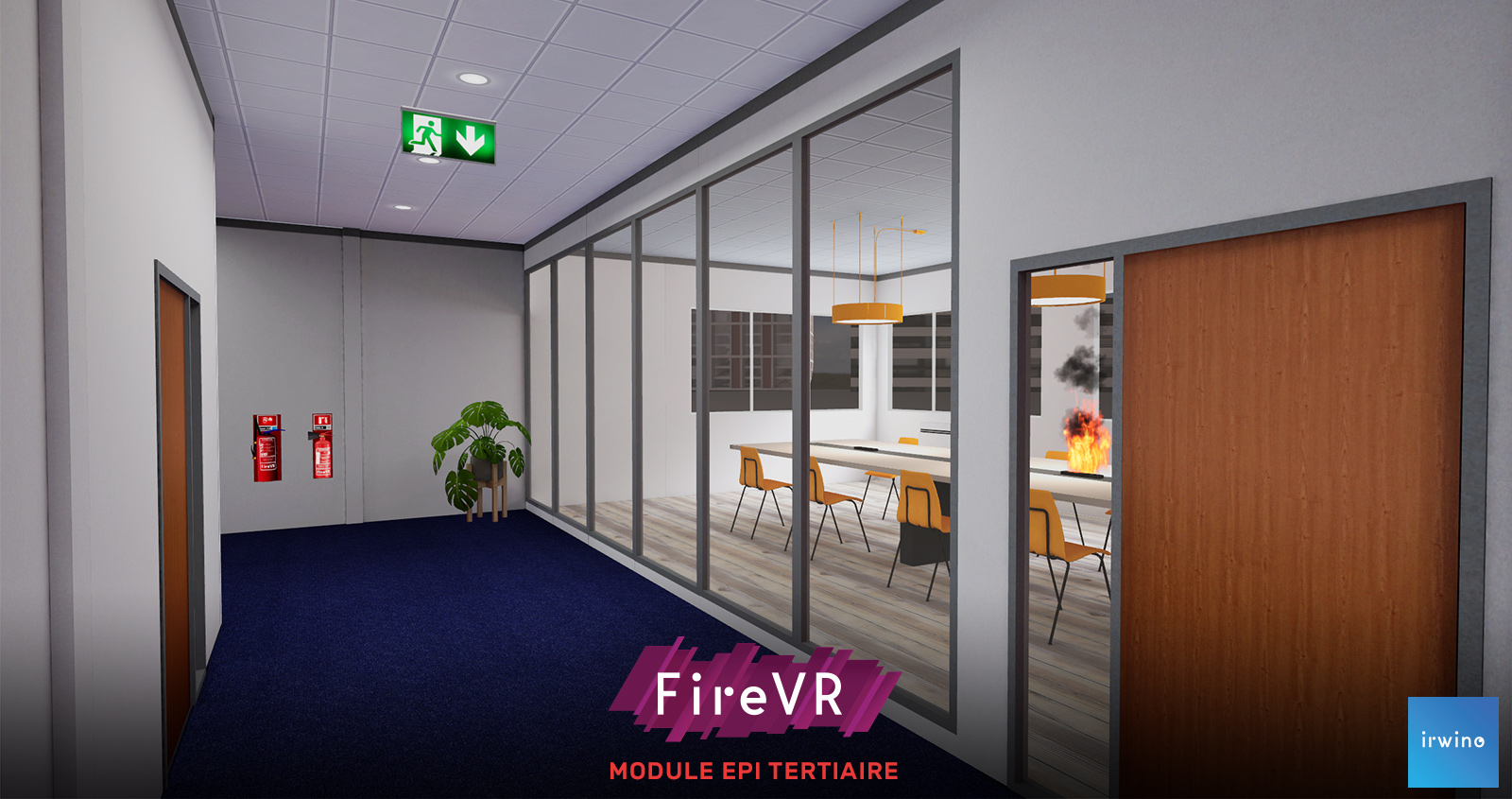
EPI TERTIAIRE
In a professional environment of over 200 m², including a kitchen, offices and meeting room, you can choose from over 18 different scenarios.
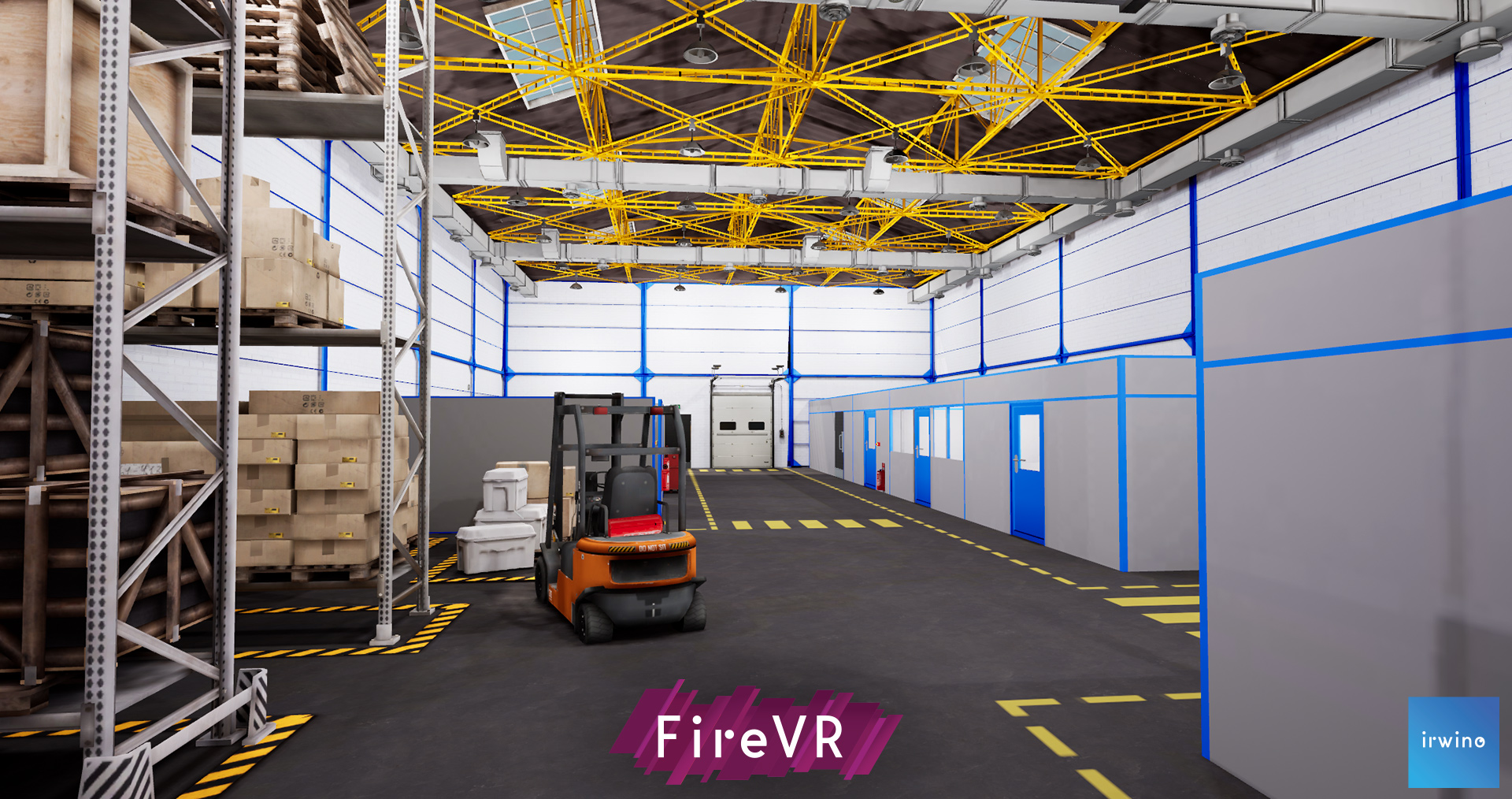
EPI INDUSTRIE
In a professional environment of over 200 m², including workshops, offices and a storage area, you can choose from over 18 different scenarios.
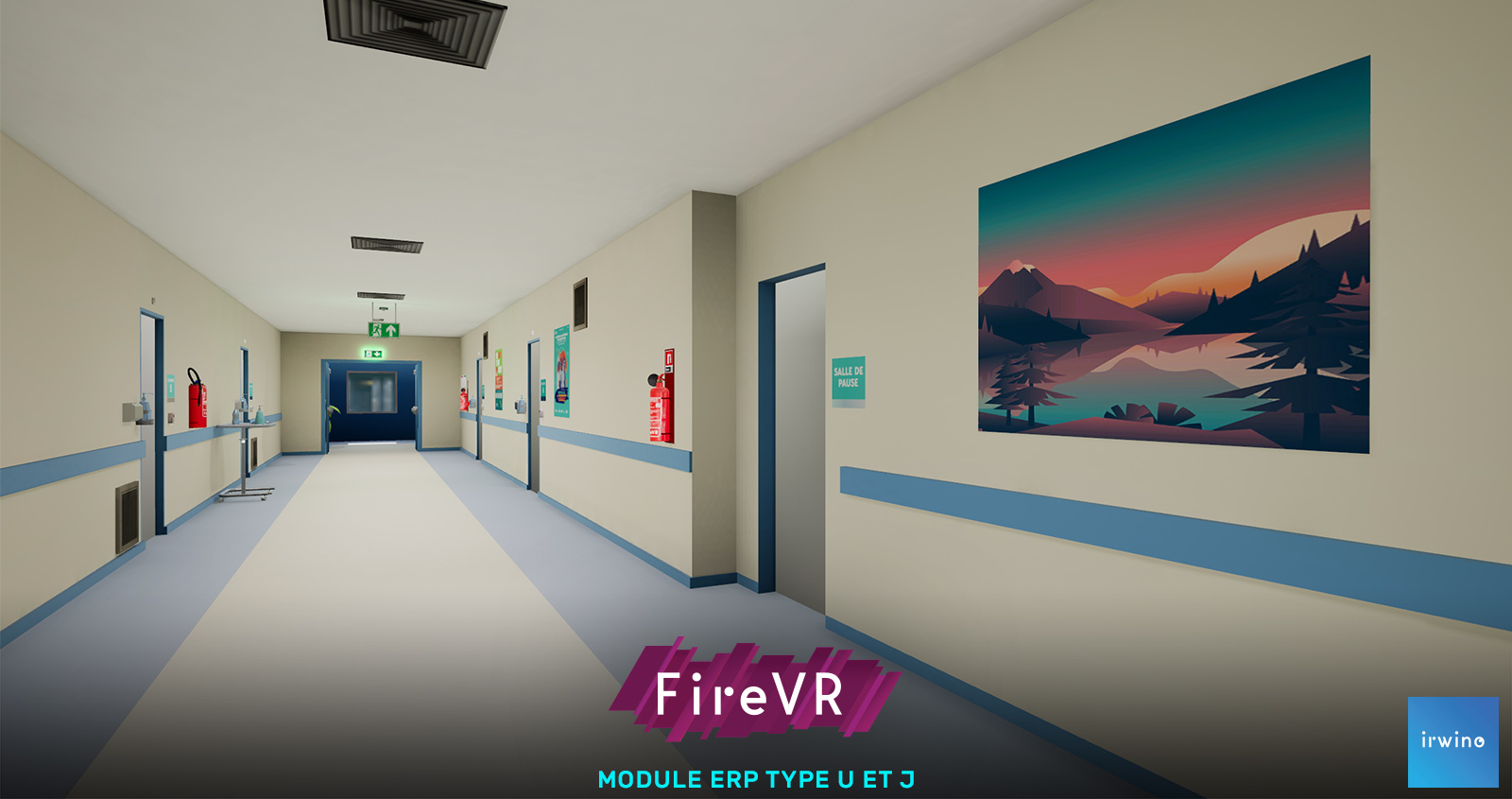
ERP TYPE U&J
In a hospital environment including 8 rooms, a break room, a tea room and safety areas, respond to fire outbreaks, manage the SSI report and evacuate patients.
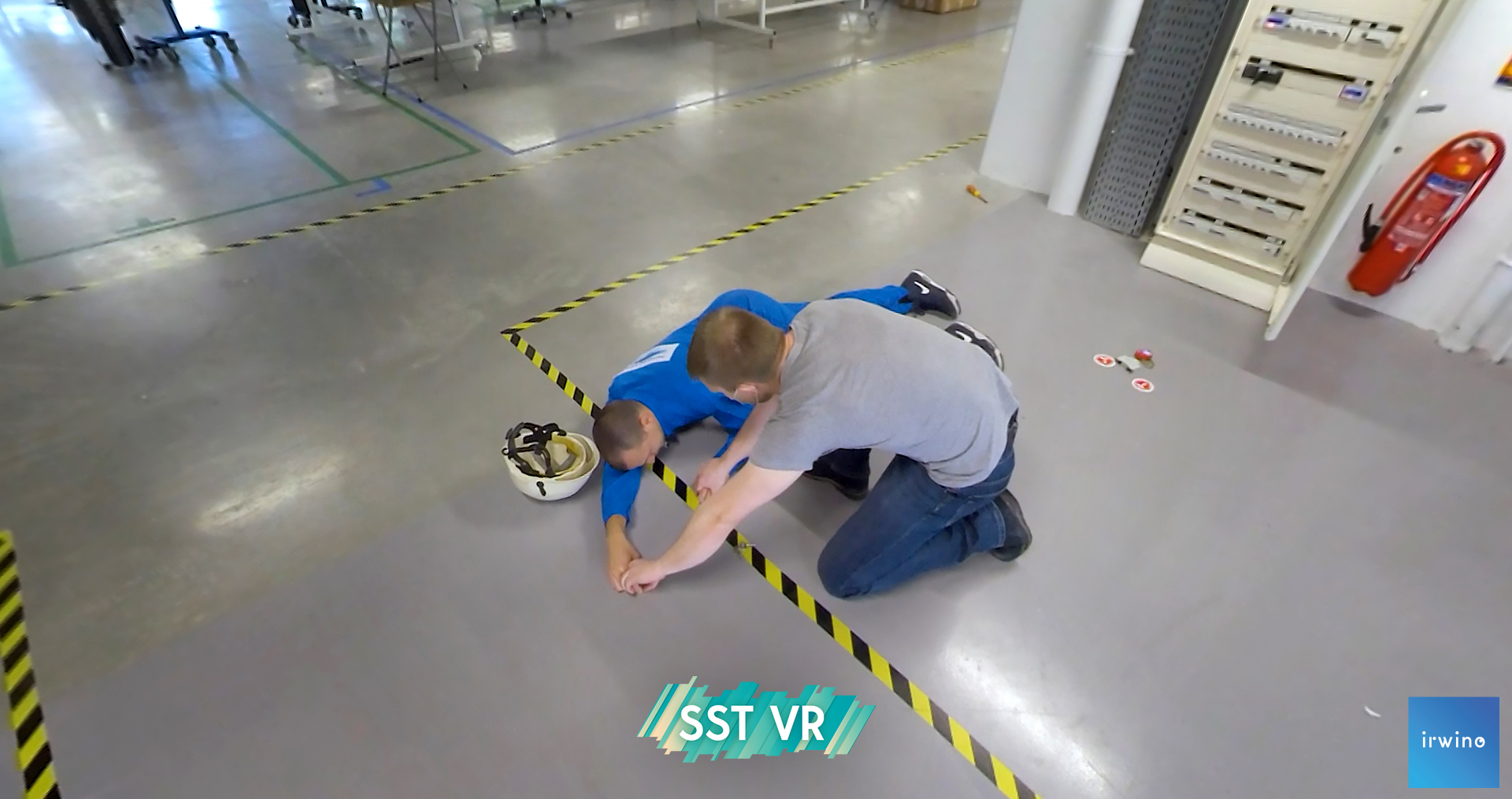
Examine: It stings

Review: Phil'electrique

Protect : Smoking
Evacuating a victim from a burning room

Rescue 1: No time to lose
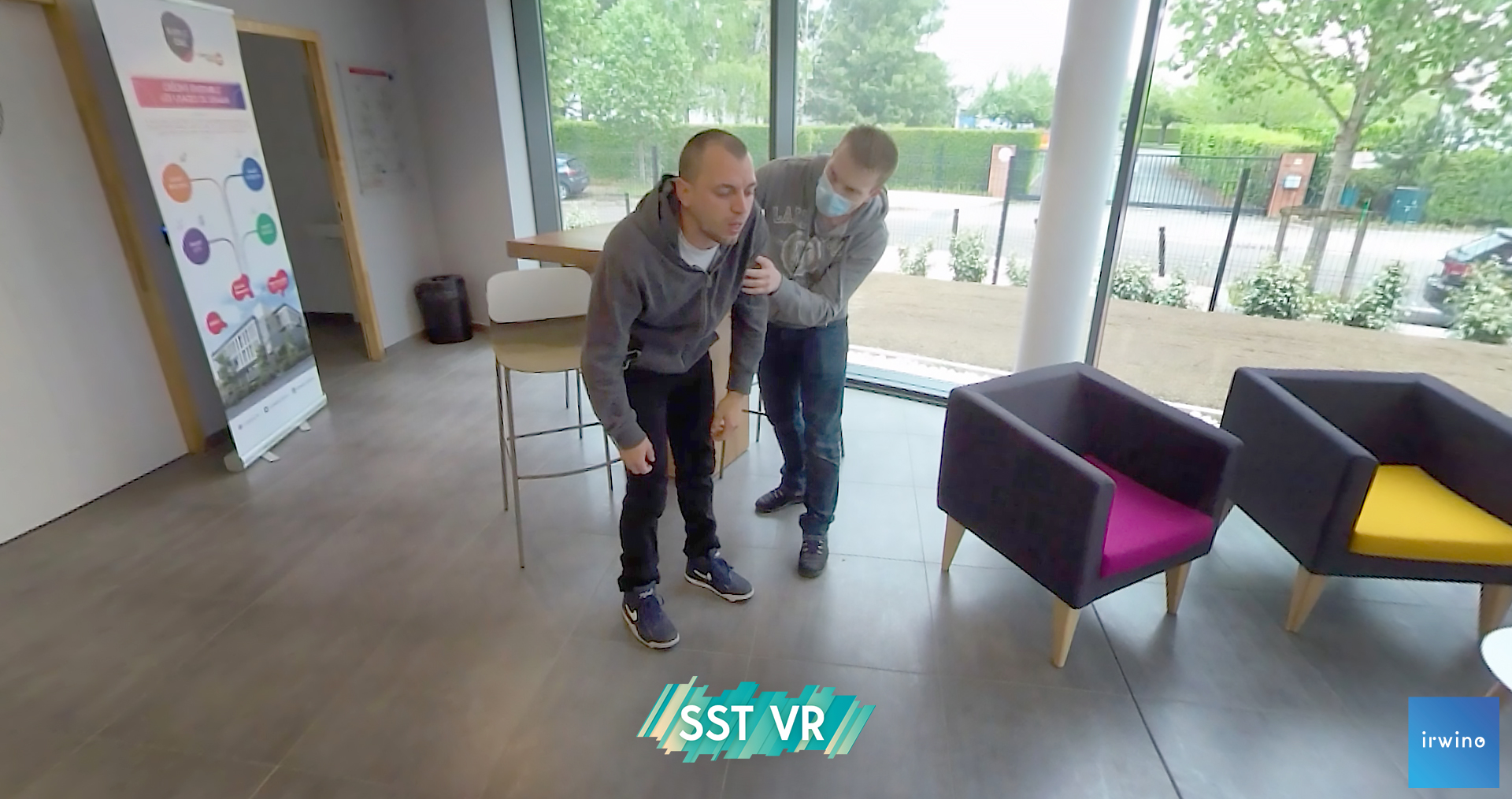
Rescue 2: Hot croissants
Victim suffocates

Rescue 3: High fever
Managing a symptomatic patient

Rescue 3: The quarter-hour of safety
The victim collapses
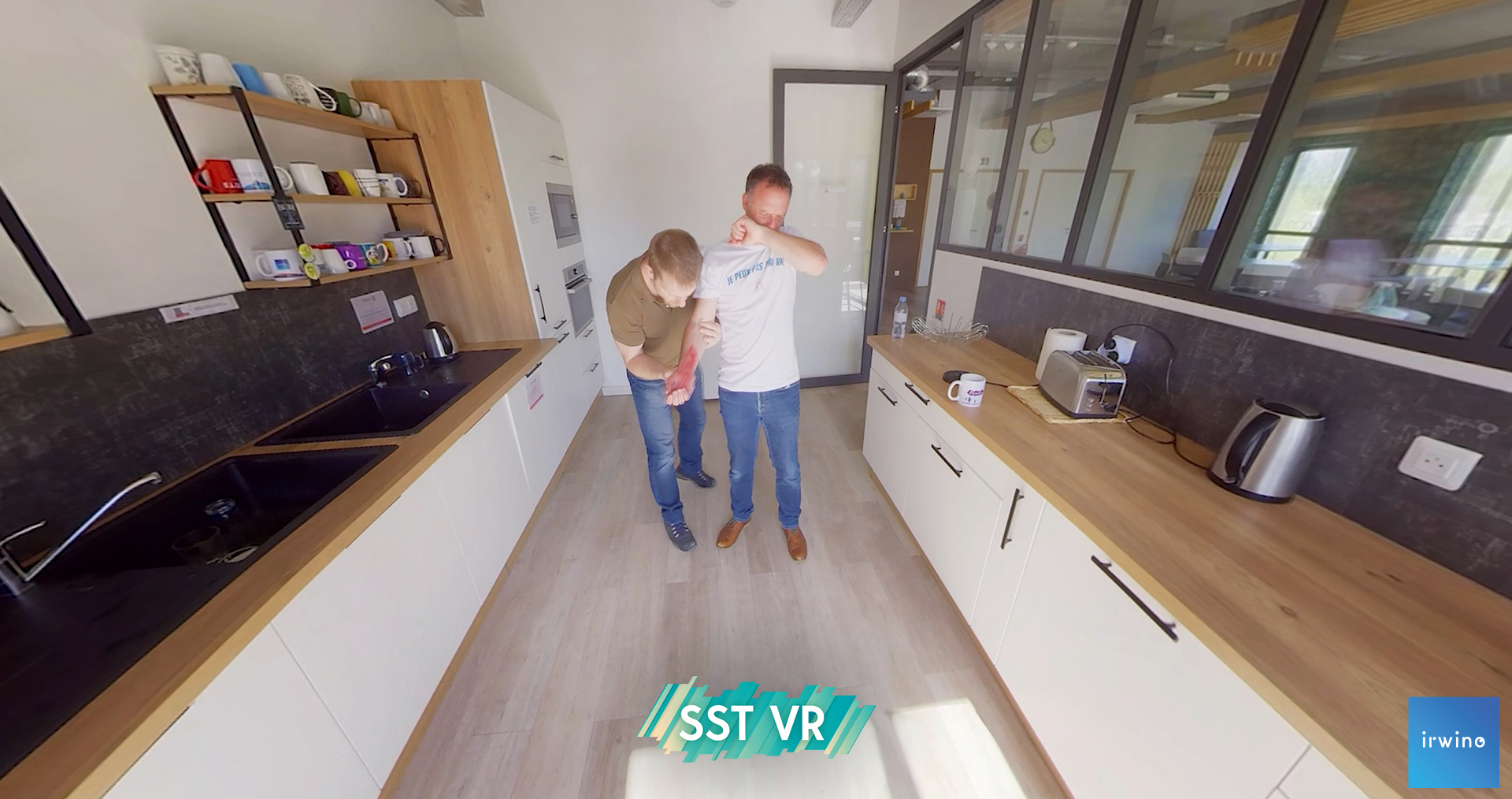
Rescue 4: NesPréChaud What'else
The victim was burned
Rescue 4: Superbike!
The victim was burned
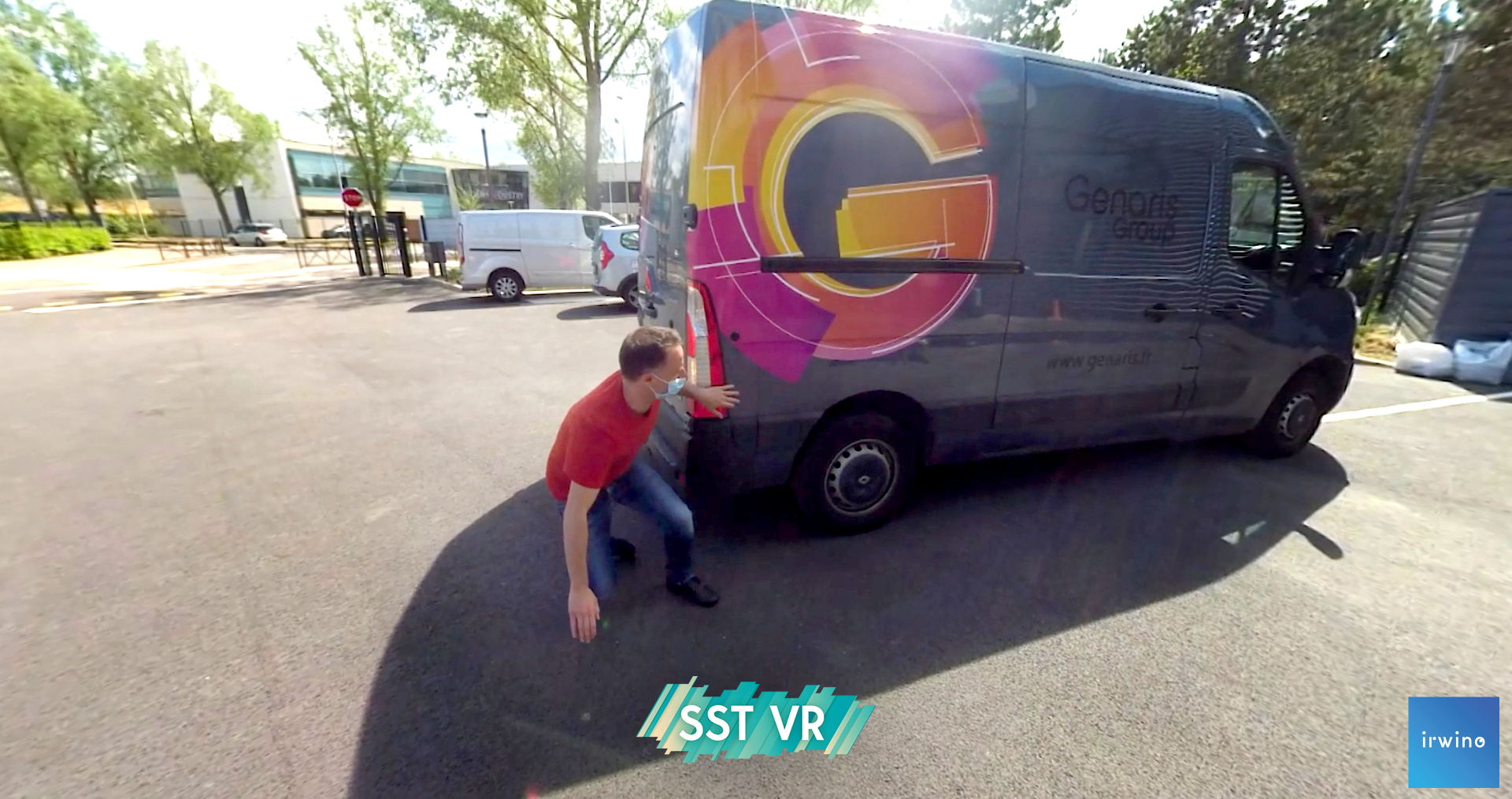
Rescue 5: Go on, get back!
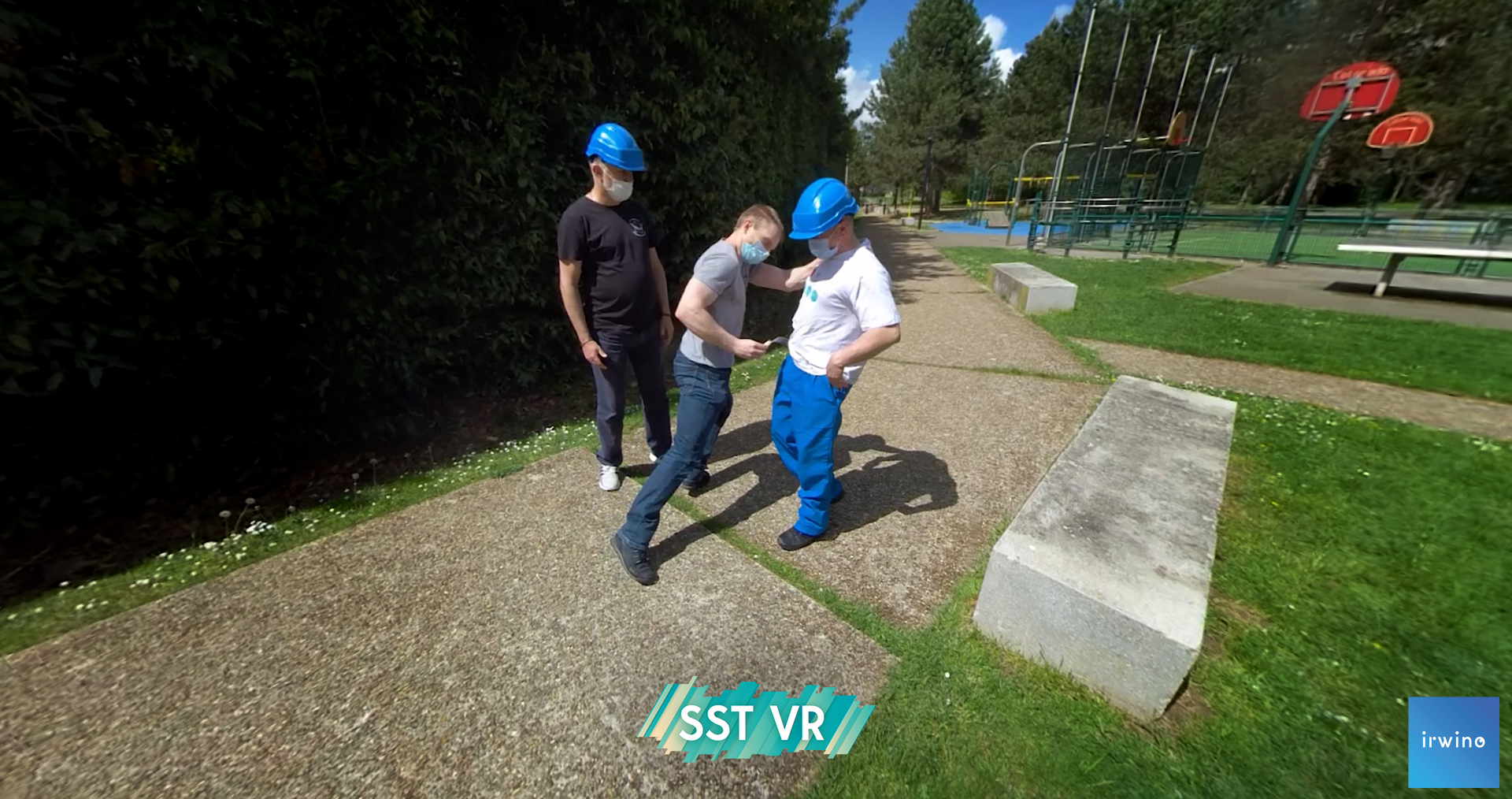
Rescue 6: That's enough of that noise!
Aggression of a victim with open wound
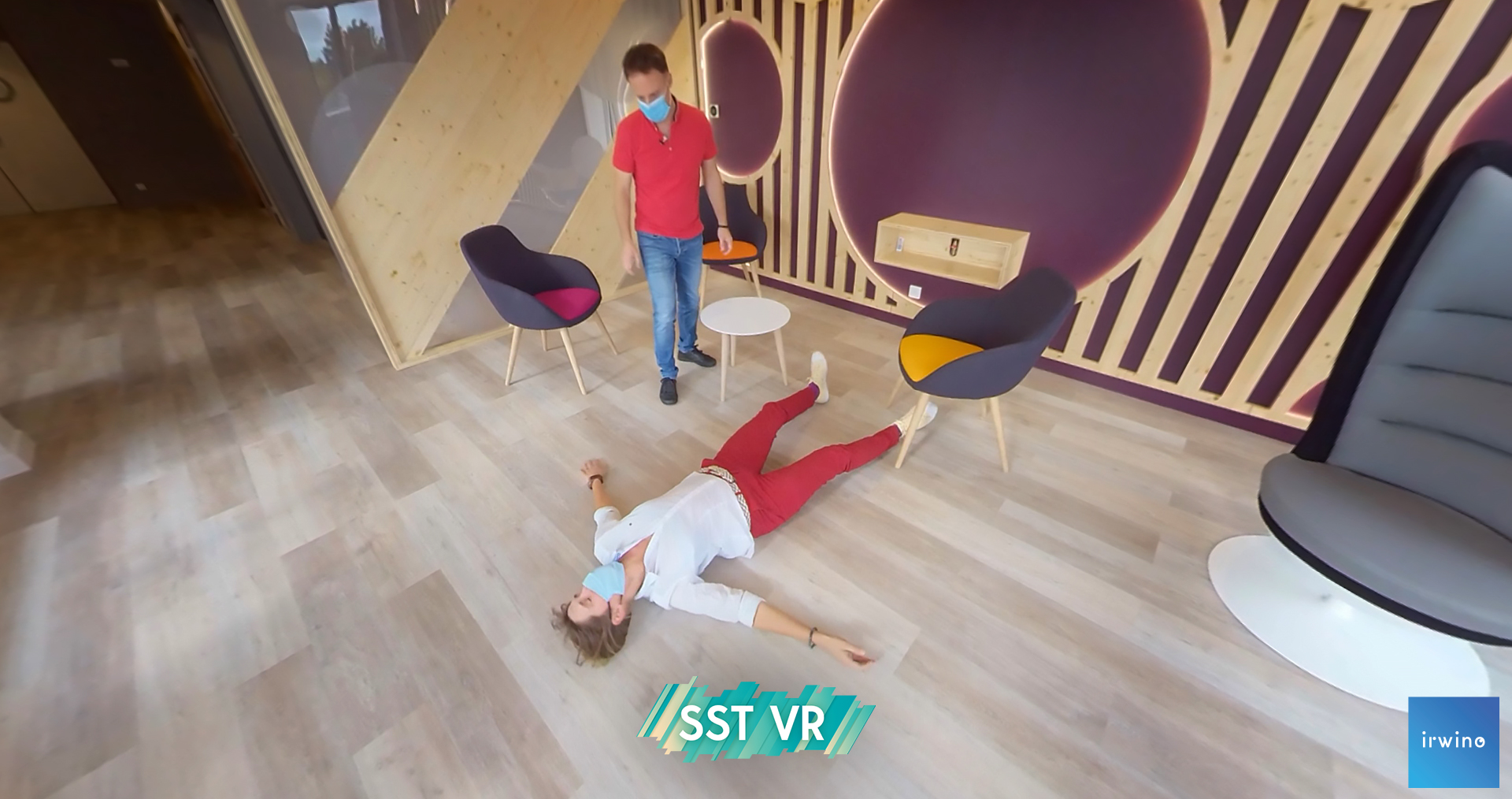
Rescue 7: We talk, we talk...
Victim suffers epileptic seizure
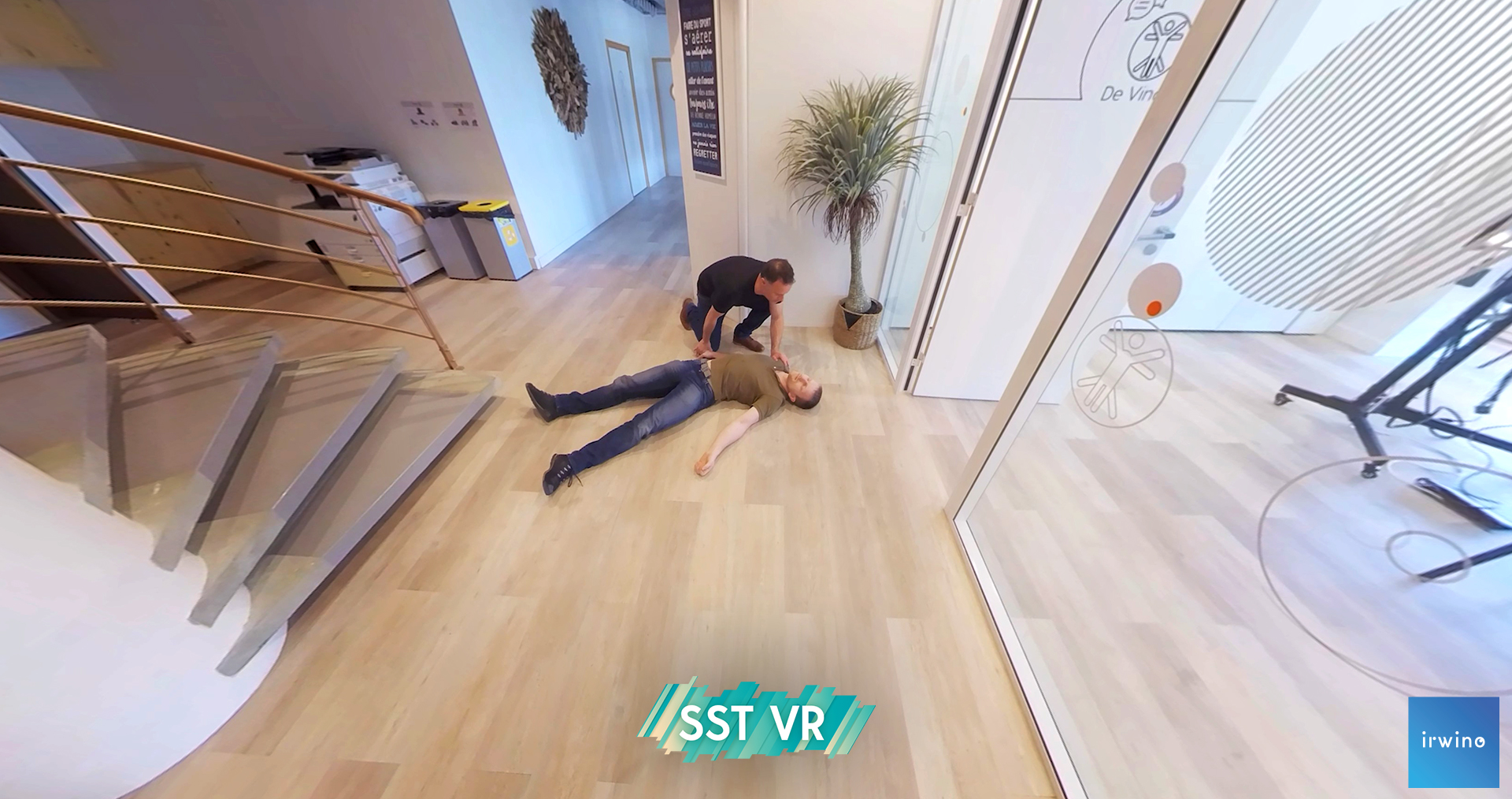
Rescue 7b: The Emperor's steps
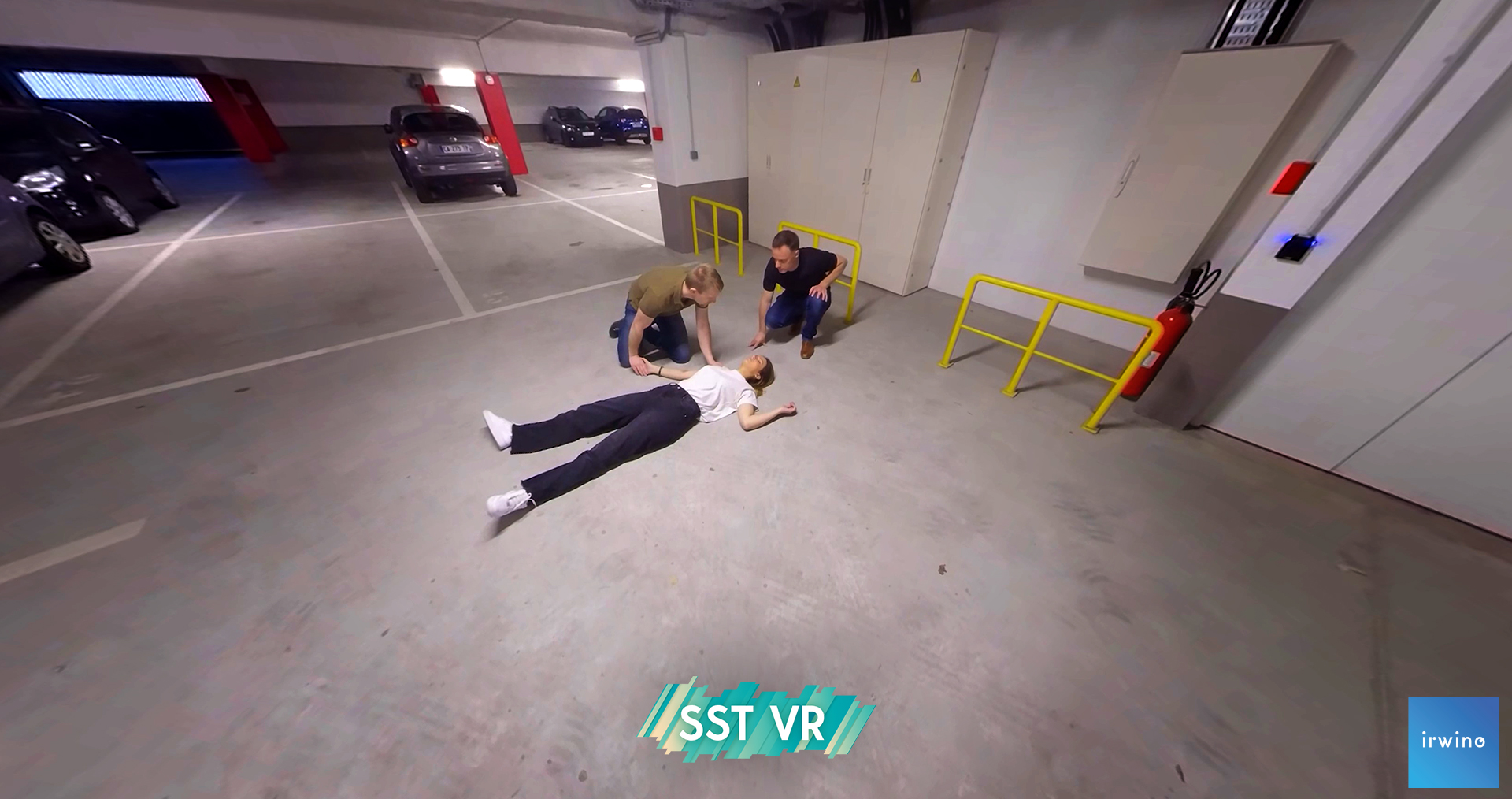
Rescue 7c: Parking des Anges
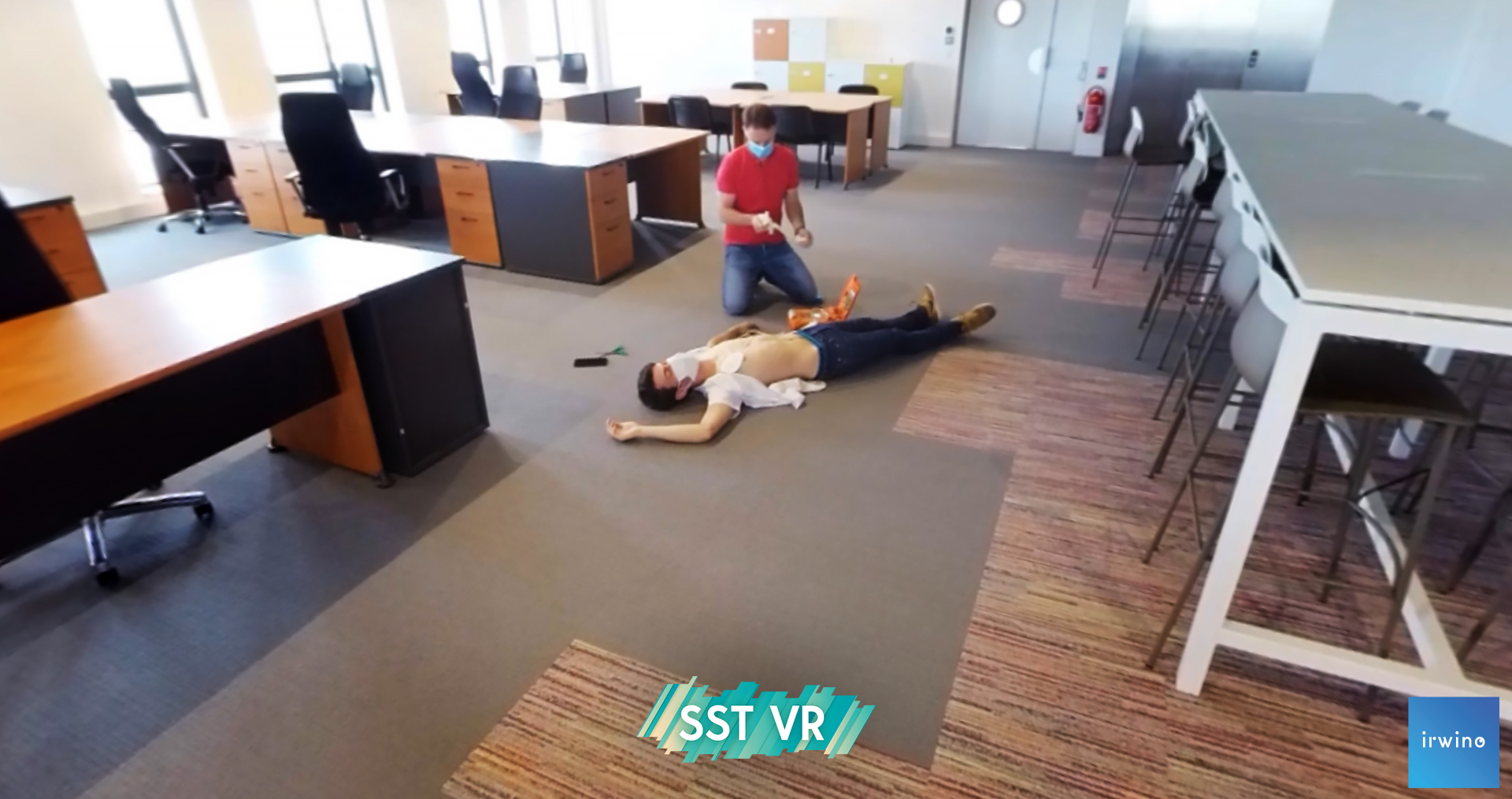
Rescue 8: Open-Space
Victim goes into cardiac arrest
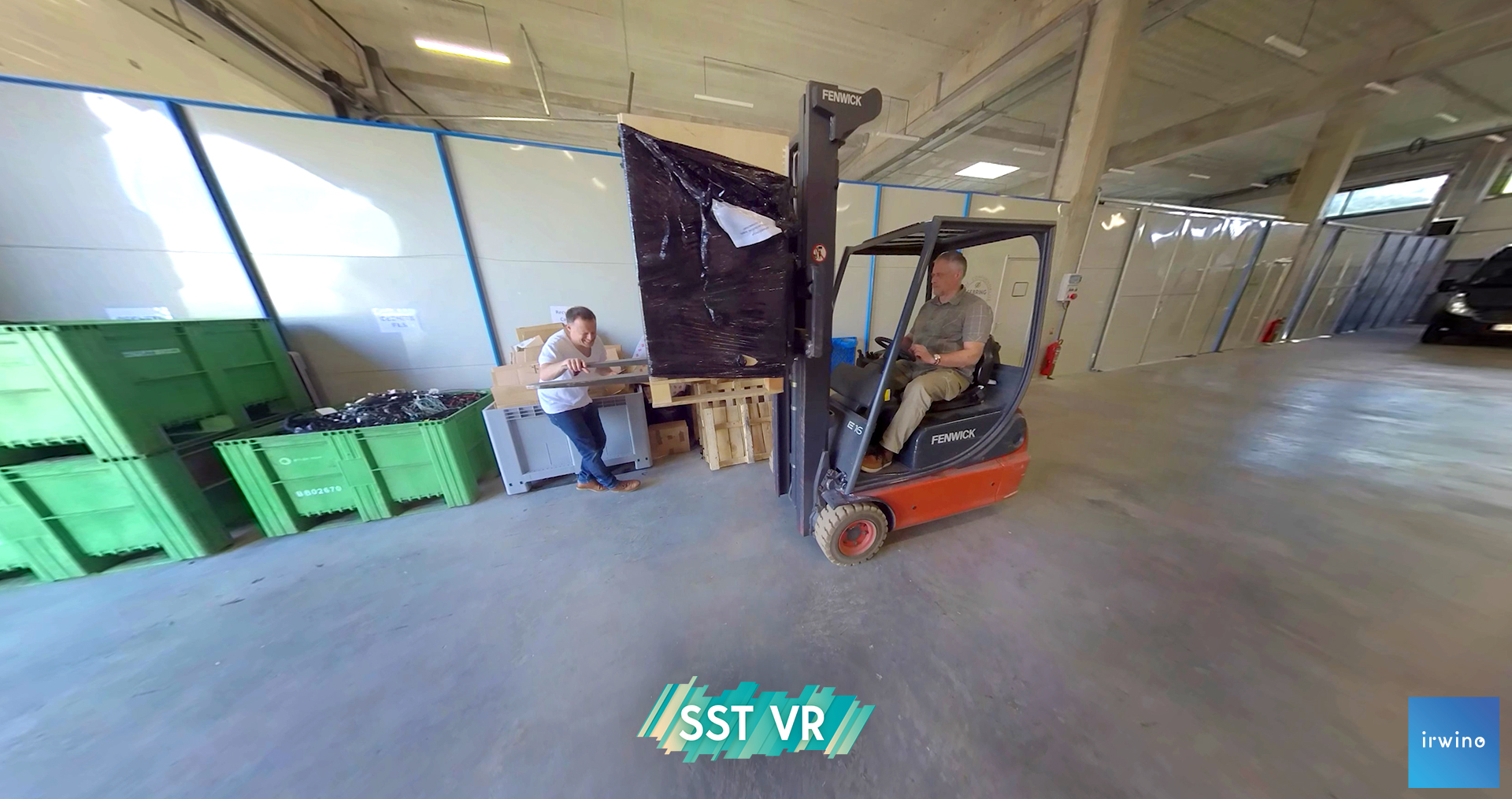
Rescue 8b: FenPark
The victim has a profusely bleeding chest wound
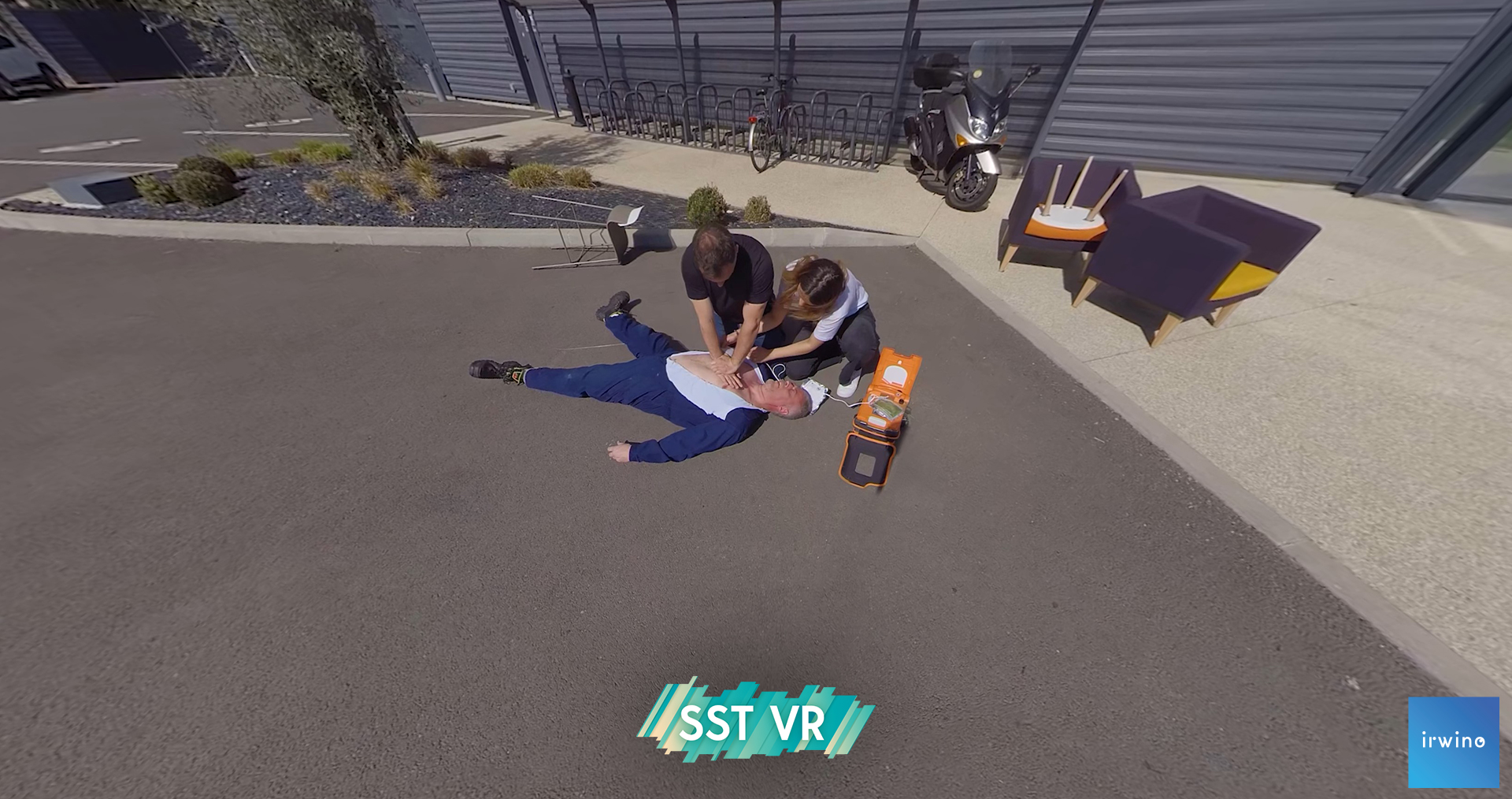
Rescue 8b: Le Déménageur Breton
Victim suffers cardiac arrest while carrying a heavy load

Rescue 8c: A nanny from hell
The victim is a child in cardiac arrest


 Français
  English
  Deutsch
  Español
  العربية